9 min readPacketStream
GPU servers do not drop straight into a standard server rack. What to check on power, cooling and networking, and how renting, building and colocation differ.
On this page
Once you decide to bring in GPU servers, the first questions are which GPU and how many. But even with the hardware chosen, it cannot be installed until there is a place with the power to run it and the cooling to carry the heat away. Where GPU servers go and how you obtain them are tied together, so it is hard to settle one before the other. This article looks at what to check in a data center, and then at whether renting, commissioning a build or bringing your own hardware is the right fit.
Why GPU servers outgrow a standard server rack
A GPU server draws far more power than an ordinary server in the same rack space, and gives off that much more heat. Most of the power a server uses ends up as heat, so taking more power means changing how the heat is removed as well. Empty space in a rack does not tell you whether a GPU server can go into it.
NVIDIA's user guide for the DGX Vera Rubin NVL72 shows the gap.
- Power shelves in each rack
- 4
- Rating of one power shelf
- 110 kW
- DC voltage distributed inside the rack
- 54 V
The 110 kW figure is the rating of one power shelf. Adding the four ratings does not tell you how much power the rack actually draws. The power shelves convert AC power to DC and distribute it inside the rack through a bus bar. The compute trays are cooled by liquid running through manifolds and cold plates.
A PacketStream Colocation Full rack (47U) comes with 10 A at 220 V (2.2 kVA). This is the supply capacity included in the contract, not the power drawn by the equipment. Additional capacity is available in 1.1 kVA increments.
After that, there are five things to check.
Five things to check in a data center for GPU servers
A data center for GPU servers is checked on power, cooling, node-to-node networking, data paths and data residency.
| Requirement | What to ask | What happens when it does not fit |
|---|---|---|
| Power | Power available per rack, spare capacity at the data center, and options for expansion | Hardware is split across more racks, or you wait for an upgrade |
| Cooling | Air cooling only, or liquid cooling infrastructure as well | Hardware built for liquid cooling cannot be installed |
| Node-to-node networking | The type and topology of the fabric that links GPU nodes | Adding nodes does not shorten training time |
| Data paths | The circuits that bring data in and out, and where storage sits | Time spent moving data becomes time jobs spend waiting |
| Data residency | The country or region data must stay in, and the access paths | The configuration is redrawn from the start to meet the requirement |
Plan for power when adding equipment, too. The first rack may have enough power, but adding racks requires spare capacity at the data center. The hardware decides the cooling method. Equipment built for liquid cooling only goes into a facility with a CDU (Coolant Distribution Unit), the device that distributes coolant.
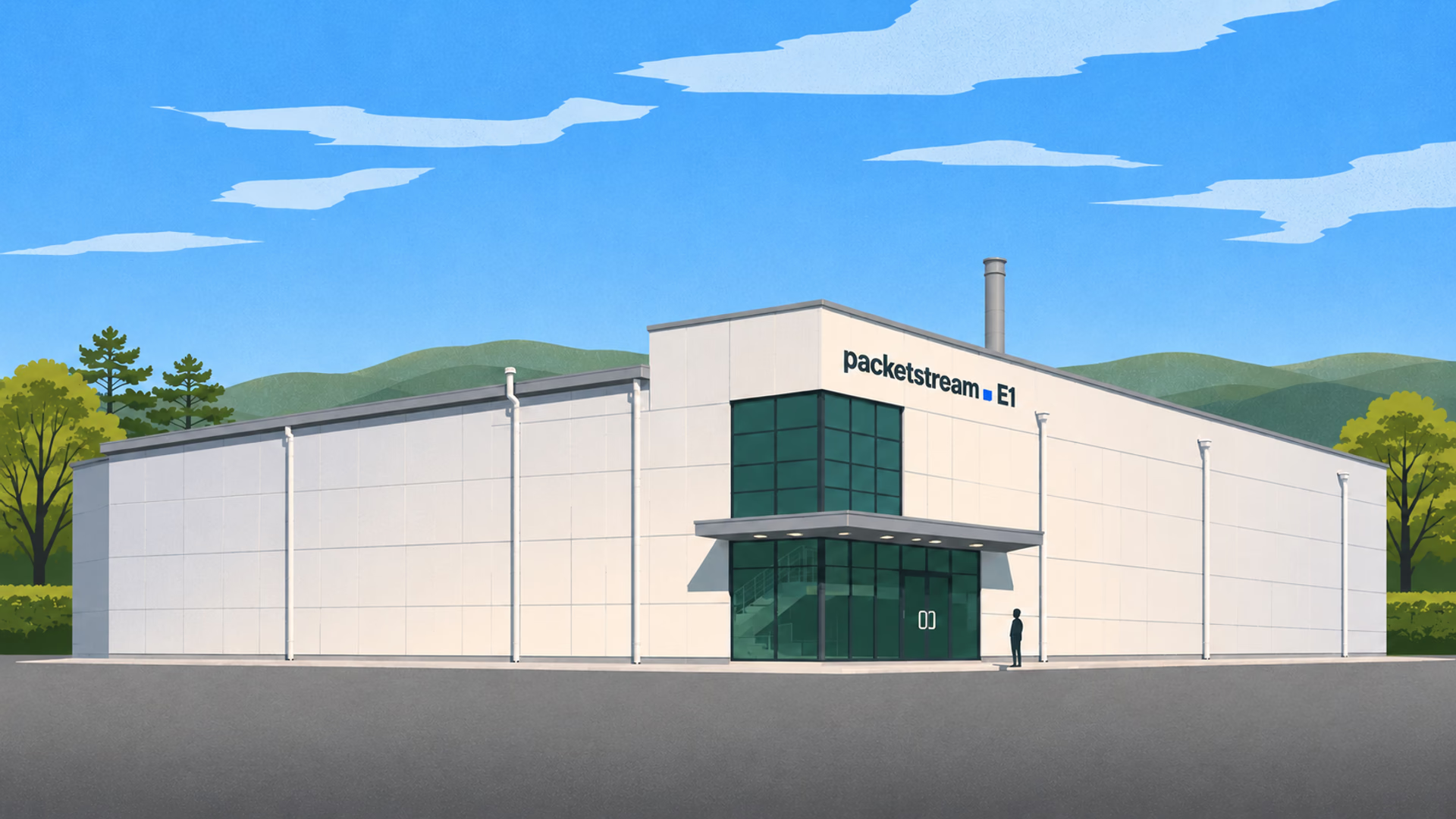
This is what PacketStream E1 provides.
- Maximum power
- 14.2 MW
- Maximum power per building
- 4.8 MW
- Configuration
- 3 buildings
The 14.2 MW figure is the maximum for the entire E1 data center. To check whether a particular GPU server can be installed, compare its requirements with the power and cooling available at its rack. E1 natively supports CDU-based liquid cooling. It has an OCP-type design built with NVIDIA Rubin-based systems in mind, and it supports DC Power Shelf configurations.
Power and cooling are properties of the building. The other three depend on how things are connected inside and outside it.
Node-to-node networking and where storage sits
With two or more GPU nodes, the network between them and the location of storage set the pace of training. In distributed training the nodes exchange results constantly, so when that traffic is slow the GPUs sit idle waiting for the next data. It is like a kitchen that hired more cooks but still has a single corridor for bringing in ingredients.
That is why a GPU cluster has a fabric for node-to-node traffic that is designed separately from the service network. PacketStream GPU Server runs node-to-node traffic over InfiniBand NDR/XDR, with the topology determined by scale and communication pattern.
Storage sits close to the GPUs for the same reason. If the data read and written during training, and the checkpoints, live on distant storage, training waits every time it saves. PacketStream recommends splitting data across two places according to how it is used.
Parallel file storage (PFS)
- NVMe-backed and connected to the same fabric as the GPU nodes
- Holds the data read and written during training
- Holds checkpoints
Object Storage
- S3-compatible storage
- Keeps rarely used dataset originals
- Keeps output archives
What is easy to miss is that none of this appears on a facility spec sheet. Power and cooling are specifications of the building, but the fabric and storage depend on who designs the cluster and how. The same goes for the paths that leave the building.
Data paths in and out, and data residency
The connection to the outside decides how long it takes to move data and where that data is allowed to stay. New data coming in, and models and outputs going out, repeat for as long as the cluster runs.
If your data sits in another cloud or in on-premises storage, work out the bandwidth and transfer cost between there and the GPU cluster in advance. PacketStream carries data ingress and egress over its own backbone and direct ISP interconnects. For hardware in a colocation rack, Cloud Connect provides private links to public clouds and Metro Connect provides them to other data centers in the Seoul metro area.
This requirement also narrows the next choice: how to deploy.
Three ways to get GPU servers
There are three ways to get GPU servers: rent by the hour, commission a dedicated cluster, or place hardware you own in colocation. At PacketStream these are GPU Cloud, Cluster Build and Colocation.
| Criterion | Hourly rental (GPU Cloud) | Dedicated cluster build (Cluster Build) | Colocation |
|---|---|---|---|
| Hardware | Instances in a shared cluster | A cluster dedicated to you | Hardware you own |
| Billing and contract | Hourly, or reserved for one month or more | Build contract and operations contract | Monthly fee by rack size and extra power |
| Network and topology | Standard configuration | Designed to your requirements | Configured by you |
| Power and cooling | The facility as the provider prepared it | Method chosen for rack density, with the site prepared | Rack terms checked against the hardware before contract |
| Location | Choose from available regions | Specified region or your site | Choose from data centers in Seoul |
| Failures | Affected node isolated, workload moved to another node | Part replacement within the operations contract | You operate the hardware |
- GPU Cloud: you pick a GPU in the Portal and create an instance. On-demand is billed by the hour from creation until deletion, carries no commitment and is offered within available capacity. A reserved instance secures capacity ahead of time for a fixed term of one month or more.
- Cluster Build: you can hand over only the parts you need: GPU and node selection, interconnect design, storage, power and cooling, handover, and operations and monitoring. A build runs through requirements, design and quote, order and build, then handover and operations. The finished cluster is handed over either as bare metal with the OS and drivers installed, or with Kubernetes and a scheduler configured. It can be placed in a PacketStream data center, in the colocation you contract, or as an isolated network inside a region where data residency applies.
- Colocation: you install your own servers and network equipment in a data center and run them yourself. PacketStream provides physical security, power, cooling and network connectivity, and you handle the configuration and operation of the hardware.
From the table it can look as though you simply pick one, but each option has cases it does not suit.
Where each of the three falls short
Each of the three covers a weakness of the others, so which one fails depends on the workload.
- Rent by the hour → Capacity may not be available on the day you need it. On PacketStream GPU Cloud too, requesting dozens of GPUs at once or a specific region can mean allocation takes a few days. Because the network is a standard configuration, a specific topology or an isolated-network requirement is hard to meet.
- Commission a dedicated cluster → It goes through design, ordering and site preparation, so it is not available right away. At the experiment stage, before scale and communication pattern are known, the numbers a design would rest on are missing.
- Place your own hardware in colocation → Procurement, fabric design, incident response and part replacement all become your operations team's work. You also check for yourself, before contract, that the rack's power and cooling match the hardware.
None of them fits every stage. So rather than picking only one, you can also plan to change options stage by stage.
- Experiment stageStart on demand, with no commitment.
- Once usage is steadyMove to reserved instances to secure capacity ahead of time.
- Once scale and communication pattern are clearDesign a dedicated cluster to your requirements.
There is also a middle ground between bringing your own hardware and commissioning a build. Cluster Build can be delivered into the colocation you contract, and in that case the site's power terms are checked first. What remains is working out which case your workload falls into.
Deciding in order, by workload
Narrow the place and the option in this order: data requirements, duration, scale, then operations staff. An option ruled out at one step does not need to be compared again at a later one.
- Data requirements: Check whether the data must stay in a given country or region. If so, keep only the configurations possible inside it.
- Duration: Experiments and short training runs suit hourly use with no commitment. For work that runs steadily for months, compare the total cost of reserved capacity and a dedicated build over the same period.
- Scale and communication pattern: Single-node jobs and inference can be fine on a standard configuration. For multi-node distributed training, put fabric topology and storage bandwidth into the requirements.
- Hardware and operations staff: If you already own the hardware and have people who can work on it, consider colocation. Check the hardware's power draw and cooling method against the rack terms.
- Data paths: Settle the circuit between where the datasets are and the GPUs, and where training storage and archive storage will sit.
GPU model and count are the first line of a quote. The quote becomes an operating plan only when the power to run the hardware, the cooling to carry the heat away, the fabric to link the nodes and the paths the data will travel are settled with it. Put where to run it and how to get it in one table, and the missing requirement shows up first.
Related products
More insights
All insights
Choosing a Dedicated Connection: Inside the Data Center, Between Data Centers, and to the Cloud
Where the public internet and a VPN are enough, where a dedicated circuit is needed, and how links inside a data center, between sites and to the cloud compare.Perspectives8 min read

DDoS Mitigation: How to Measure Attacks and What to Ask Before You Choose
DDoS mitigation means telling attack traffic from legitimate traffic. We cover L3/L4 and L7 attacks, bps, pps and rps, Always-On vs On-Demand, WAFs, questions to ask first and the order of response.Perspectives6 min read

What Is a VPS? What to Check First When Choosing a Virtual Server
From what a VPS is and how it differs from shared hosting to choosing CPU, memory and storage, traffic billing and backups. The criteria you need when choosing a virtual server for the first time.Perspectives8 min read
Ready to get started?
Tell us about your workload and we will help you choose the right products and plans.
Talk to our team
Questions about anything you read here? Our team will help.
Contact SalesInsights
Where PacketStream is heading, what we learn running the network, and the latest product news and notices.
All insights